The iOS Simulator
toolkit for Mac
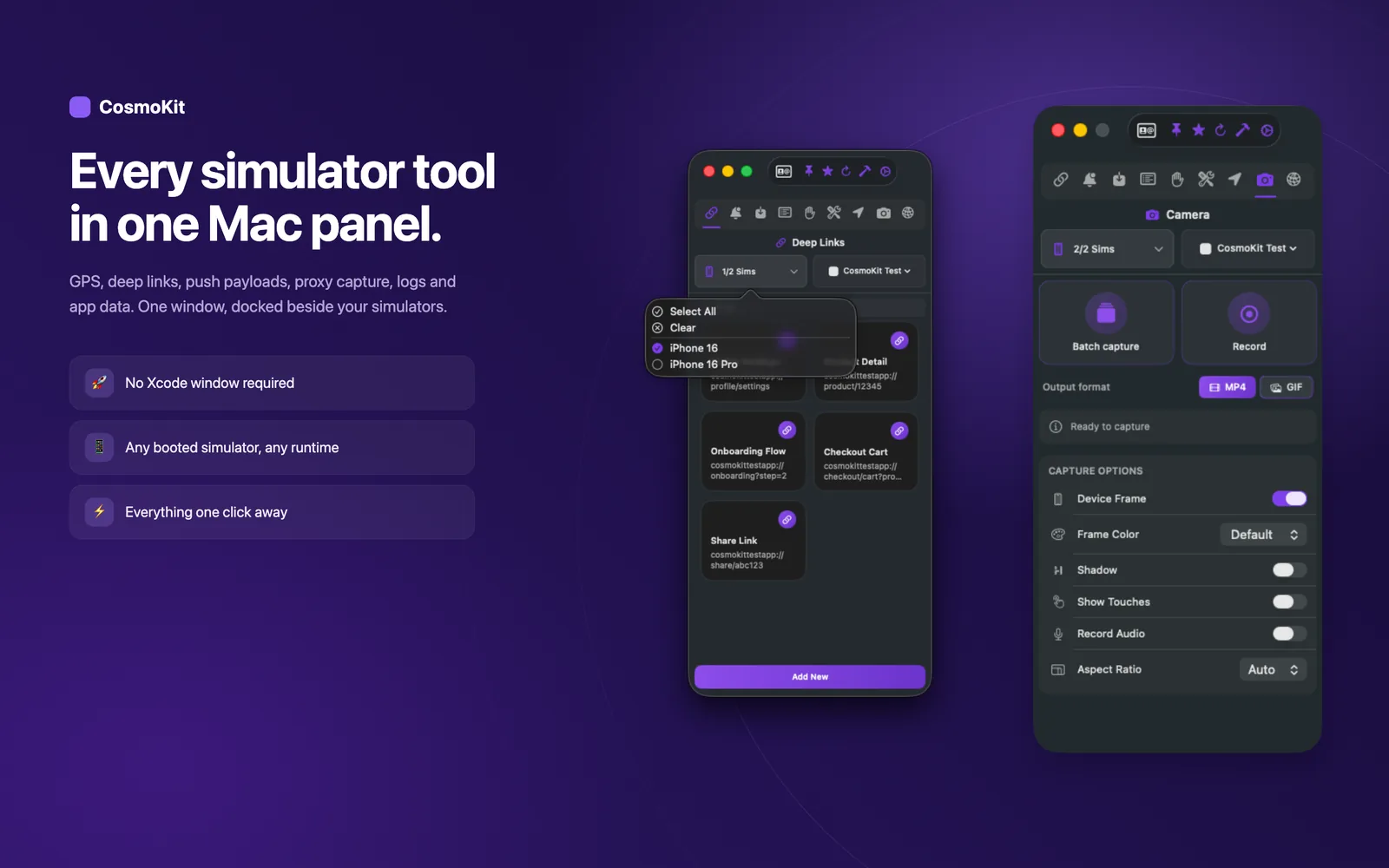
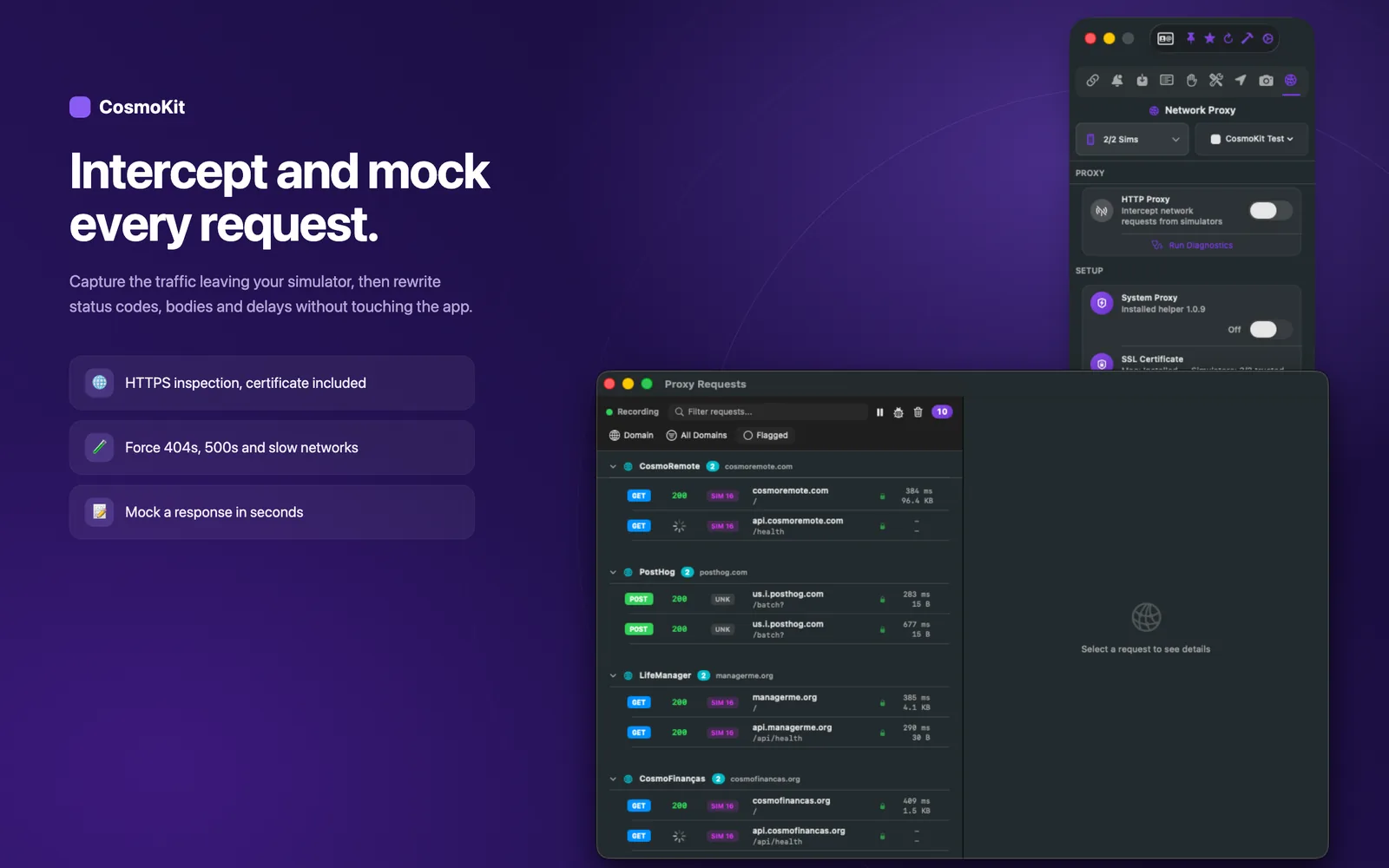
HTTPS proxy with mocking and throttling, real push to devices, and AI agents driving the Simulator over MCP. One native Mac app, no SDK needed.
xcrun simctl with a GUIFree tier available · macOS 14.7+ · Requires Xcode
Features
Everything you need, one panel
Replace dozens of xcrun simctl commands with an intuitive interface.
Gallery
See it in action
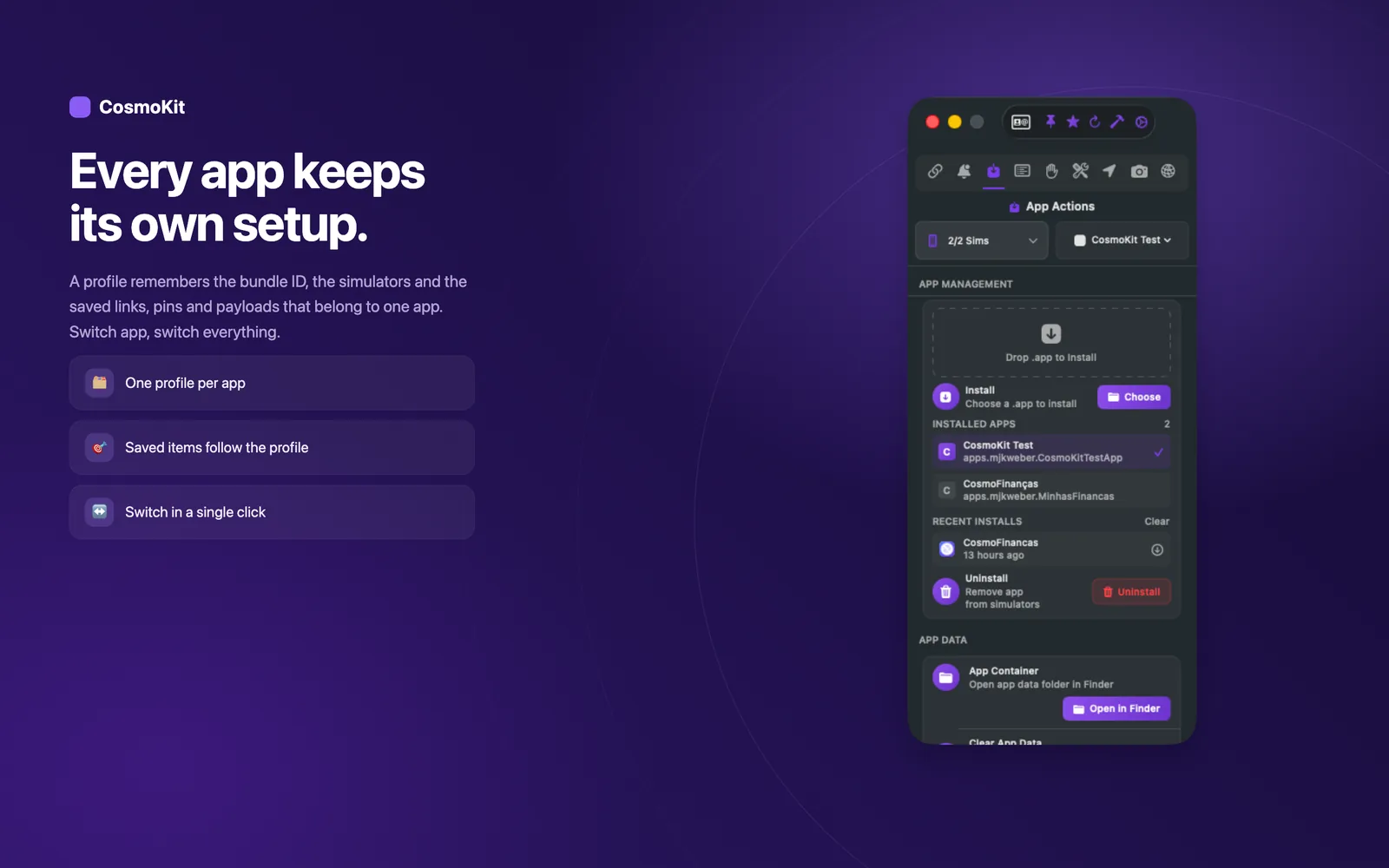
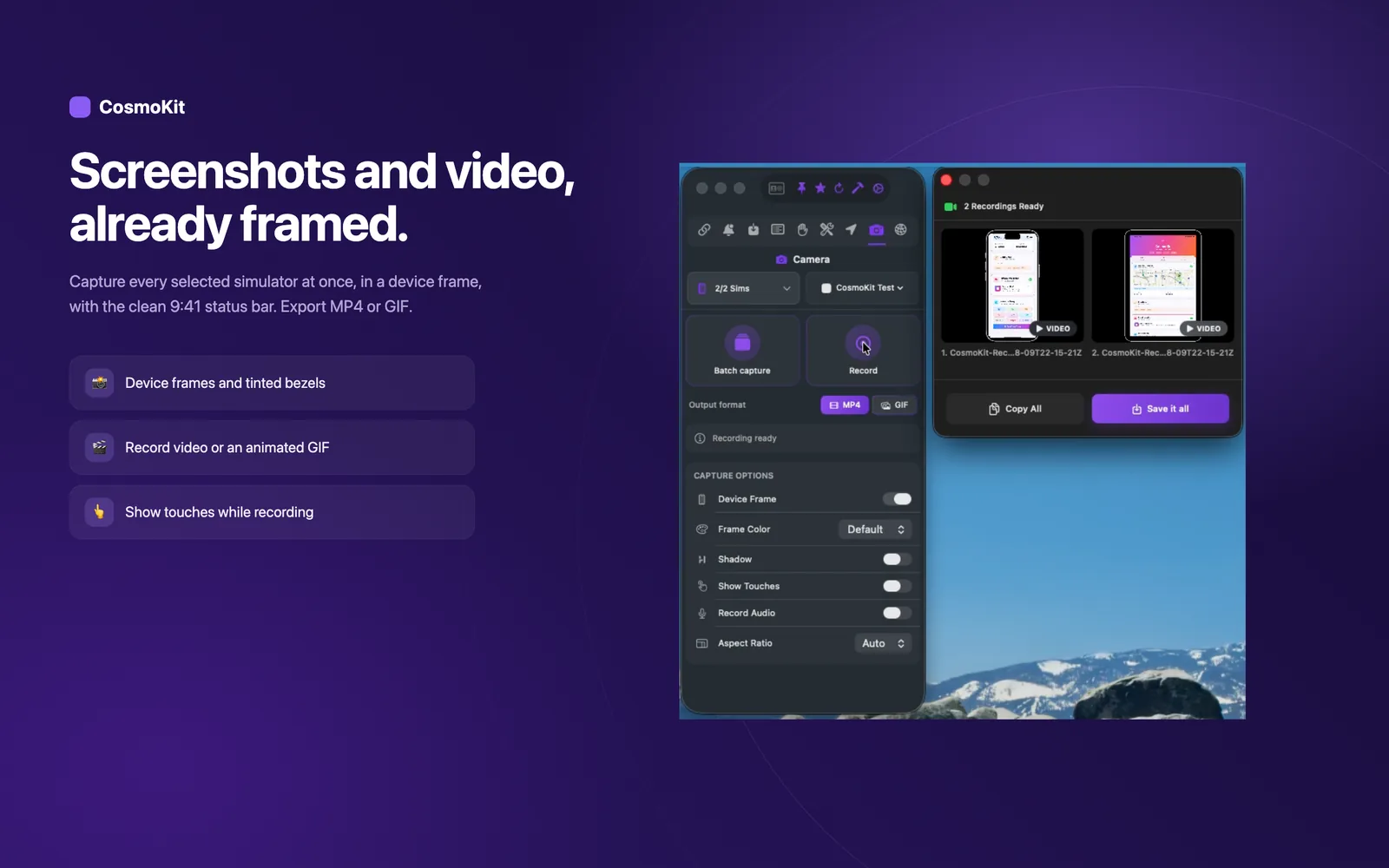
A native macOS interface designed for speed and clarity.
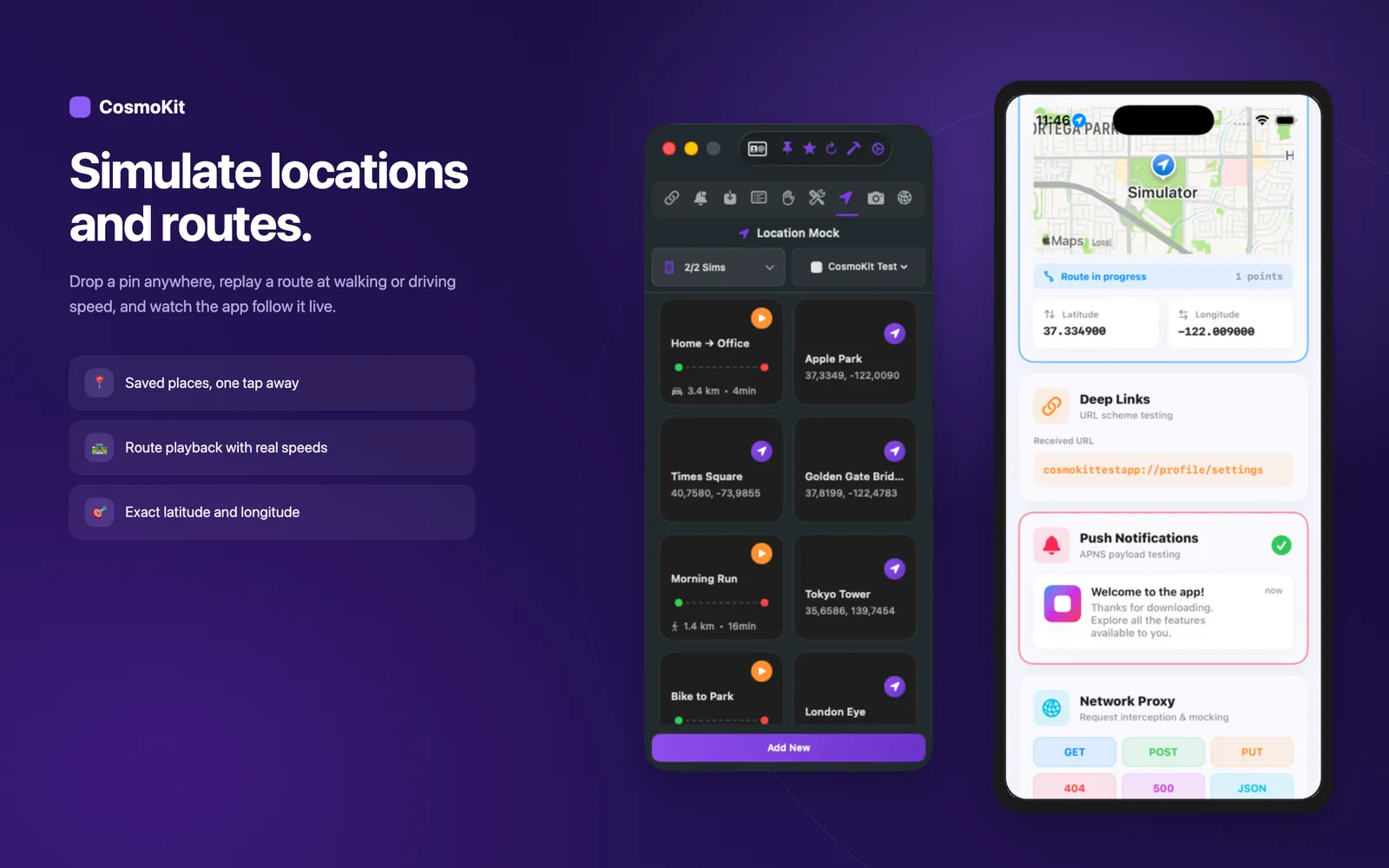
Location and Route Simulation
Pricing
Simple, transparent pricing
Start free, upgrade when you need more. All plans include every future update.
Free is yours forever: one simulator at a time, watermarked captures, a few proxy sessions to try it, and up to 5 saved push payloads, deep links and locations. Pro comes with every paid plan and lifts those limits: multiple simulators, no watermark, the network proxy with no session cap, route simulation and unlimited app profiles.
Free
Essential tools to get started
- 1 simulator
- Screenshot capture (with watermark)
- Video recording (with watermark)
- Push notifications
- Deep links
- GPS location simulation
- 5 saved entries per tool
- Simulator tools (appearance, status bar, permissions, Face ID, keychain)
- 1 app profile
Monthly
14-day free trial, then $2.99/mo
- Unlimited simulators
- Screenshots without watermark
- Video recording without watermark
- Device frames & bezels
- Custom frame colors
- Audio recording
- Touch indicators
- Custom aspect ratio
- Network proxy
- App management tools
- Location routes
- Unlimited saved entries
- Unlimited app profiles
Yearly
Best value: save 44%
- Unlimited simulators
- Screenshots without watermark
- Video recording without watermark
- Device frames & bezels
- Custom frame colors
- Audio recording
- Touch indicators
- Custom aspect ratio
- Network proxy
- App management tools
- Location routes
- Unlimited saved entries
- Unlimited app profiles
Lifetime
Pay once, own it forever
- Unlimited simulators
- Screenshots without watermark
- Video recording without watermark
- Device frames & bezels
- Custom frame colors
- Audio recording
- Touch indicators
- Custom aspect ratio
- Network proxy
- App management tools
- Location routes
- Unlimited saved entries
- Unlimited app profiles
All plans are managed through the Mac App Store. Cancel or switch anytime.
Ready to streamline
your workflow?
Download CosmoKit from the Mac App Store and take full control of your iOS Simulator.
Optional .pkg: only needed if you want CosmoKit to set up the macOS proxy for the HTTPS proxy in one click.
Optional CosmoKit Proxy Helper
Install this signed helper to let CosmoKit configure macOS HTTP/HTTPS proxy settings in one click. Subscriptions and Pro access stay inside the Mac App Store app.
cosmokit CLI
Scriptable access to the same simulator operations, for Makefiles, git hooks and CI, plus a built-in MCP server so an AI coding agent can discover and call them directly. Free and MIT licensed, runs without the app, and the CLI alone supports macOS 13 or later (the app itself needs macOS 14.7).
View on GitHubFAQ
Frequently asked questions
Everything you need to know about CosmoKit.
Got an idea? Tell us.
Every suggestion lands directly in our inbox. The most requested ones ship next.
Suggest a featureTakes 30 seconds. No account required.