Feature
One panel for every simulator switch
Manage app profiles, scheme diagnostics, dev presets, and disk cleanup from a single unified macOS control panel.
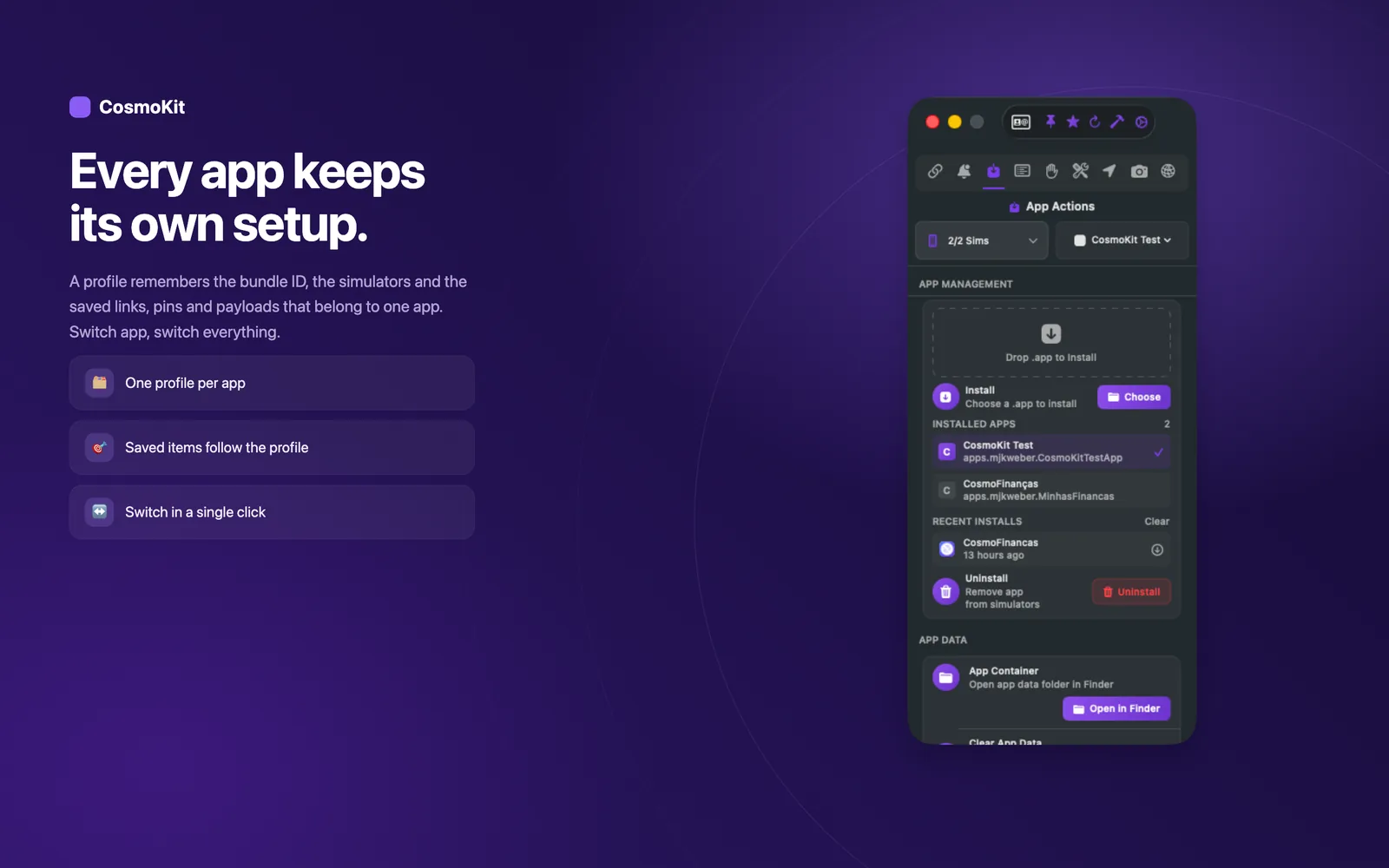
App profiles with isolated environments
Saved configurations per bundle ID
Configure launch arguments, environment variables, appearance overrides, and locale settings saved specifically per application. Switch between production and staging configs or test localized layouts with one-click Save & Relaunch.
- Save isolated launch arguments and environment variables per app
- Override system appearance, language, and regional locale
- One-click Save & Relaunch to restart the app with updated flags
- Organize and manage profiles across all installed simulator apps
Scheme diagnostics without Xcode scheme editing
Toggle runtime sanitizers and debug flags instantly
Enable critical runtime diagnostic tools without opening Xcode scheme editors or rebuilding your project. Catch memory corruption, threading violations, and database performance bottlenecks on demand.
- Enable Zombies (NSZombieEnabled) to catch messages to deallocated objects
- Run Main Thread Checker to detect background thread UI API calls
- Toggle Malloc stack logging and guard edges for memory safety
- Stream Core Data SQL logs and timing directly to Console
Dev presets for instant context switching
Restore your entire workspace in one click
Rebuild your exact development state in seconds instead of configuring simulators by hand every morning. Dev presets bundle device configurations, active profiles, and testing tools into reusable snapshots.
- Save complete simulator configurations as reusable presets
- Restore booted devices, target applications, and environment state
- Switch between bug reproduction setups and clean testing baselines
- Eliminate manual setup steps before starting a development session
Always within reach in the menu bar
Global shortcuts and fast actions from any app
Access essential simulator controls without leaving your editor or debugger. The lightweight menu bar companion lets you trigger captures, boot your last simulator, and resend notifications from anywhere in macOS.
- Capture screenshots from any app with global shortcut ⌃⌥⌘S
- Keep your last five captures accessible in one click
- Boot your most recently used simulator instantly
- Re-send recent push payloads directly from the menu bar
Complete device management
Boot, shutdown, and erase without simctl syntax
Monitor and control every simulator runtime installed on your Mac. View paired hardware devices alongside virtual simulators, check battery and connection status, and perform device lifecycles cleanly.
- View paired physical devices and virtual simulator runtimes
- Boot, shut down, and manage multiple simulators side by side
- Single-click device wipe and factory reset
- Inspect device model, iOS version, and connection state
Disk Doctor storage cleanup
Reclaim gigabytes of wasted simulator caches
Xcode simulators leave behind tens of gigabytes of orphaned runtimes, cache files, and abandoned app data. Disk Doctor scans simulator directories and safely reclaims disk space with a single click.
- Scan simulator caches, derived data, and orphaned runtimes
- Visualize storage consumption broken down by simulator
- Safely delete unused simulator data without breaking Xcode
- Reclaim tens of gigabytes of disk space in seconds
Ready to test faster?
CosmoKit is a native macOS app. Free to start, no signup.